Digital Signage

Screens That Speak for You

Digital signage uses LED, LCD and projection displays to show dynamic content — videos, live feeds, menus and real-time information — all managed from one central dashboard. VMS Smart Technology, together with the iSignage platform, brings you a complete digital signage ecosystem: cloud-based content management, screen monitoring and instant publishing across a single lobby or an entire network across Dubai, India and beyond.

Publish and schedule content on all your screens from anywhere, on any device.

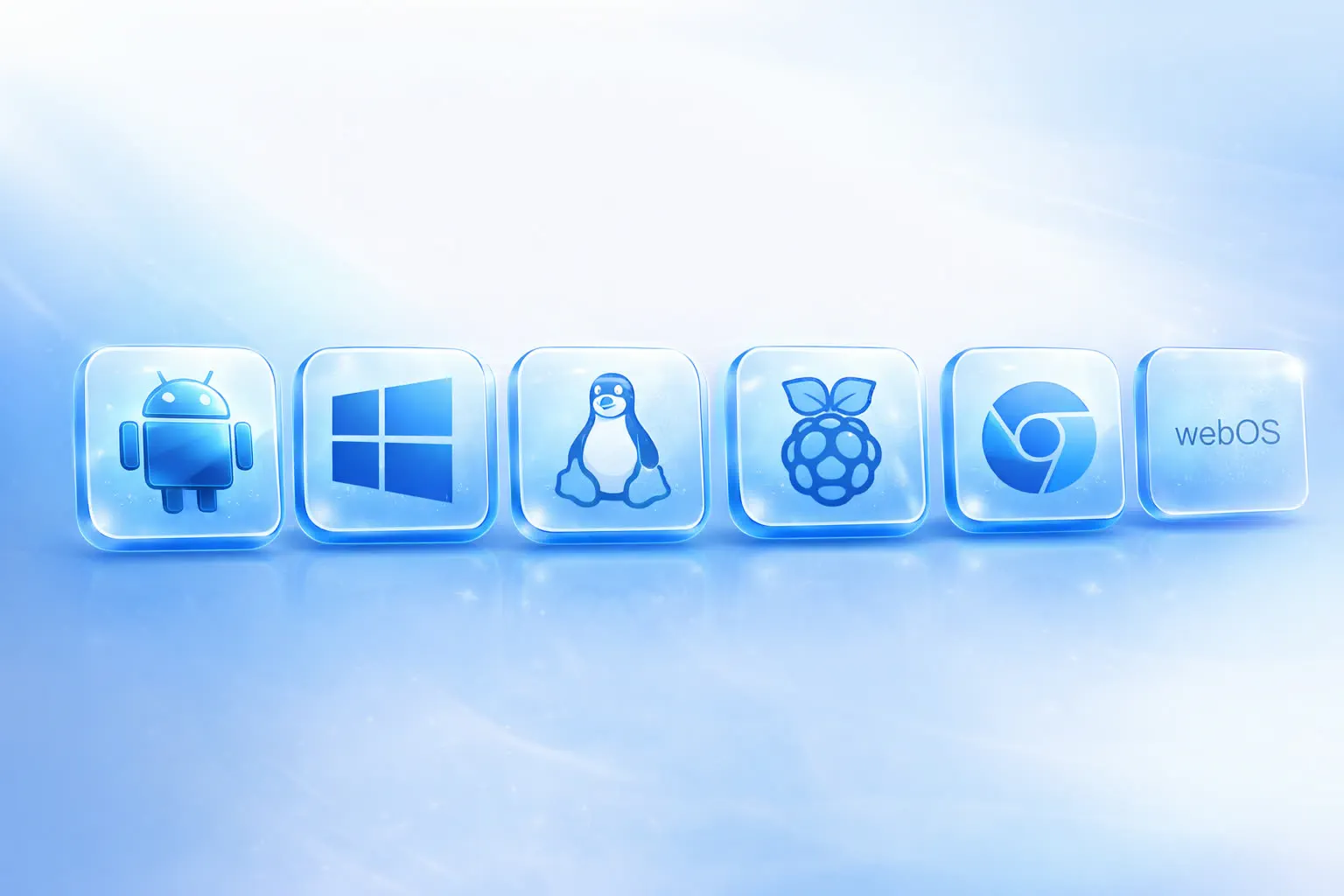
Android, Windows, Linux, Chrome OS, smart TVs and media players — no vendor lock-in.

24/7 support from our teams in Dubai and India, with multi-location management built in.
Get a Free Consultation
VMS Digital Signage platform - manage all screens from one dashboard

0+

Happy Clients

0+

Countries Served

99.9%

Uptime Guaranteed

24/7

Expert Support

How It Works

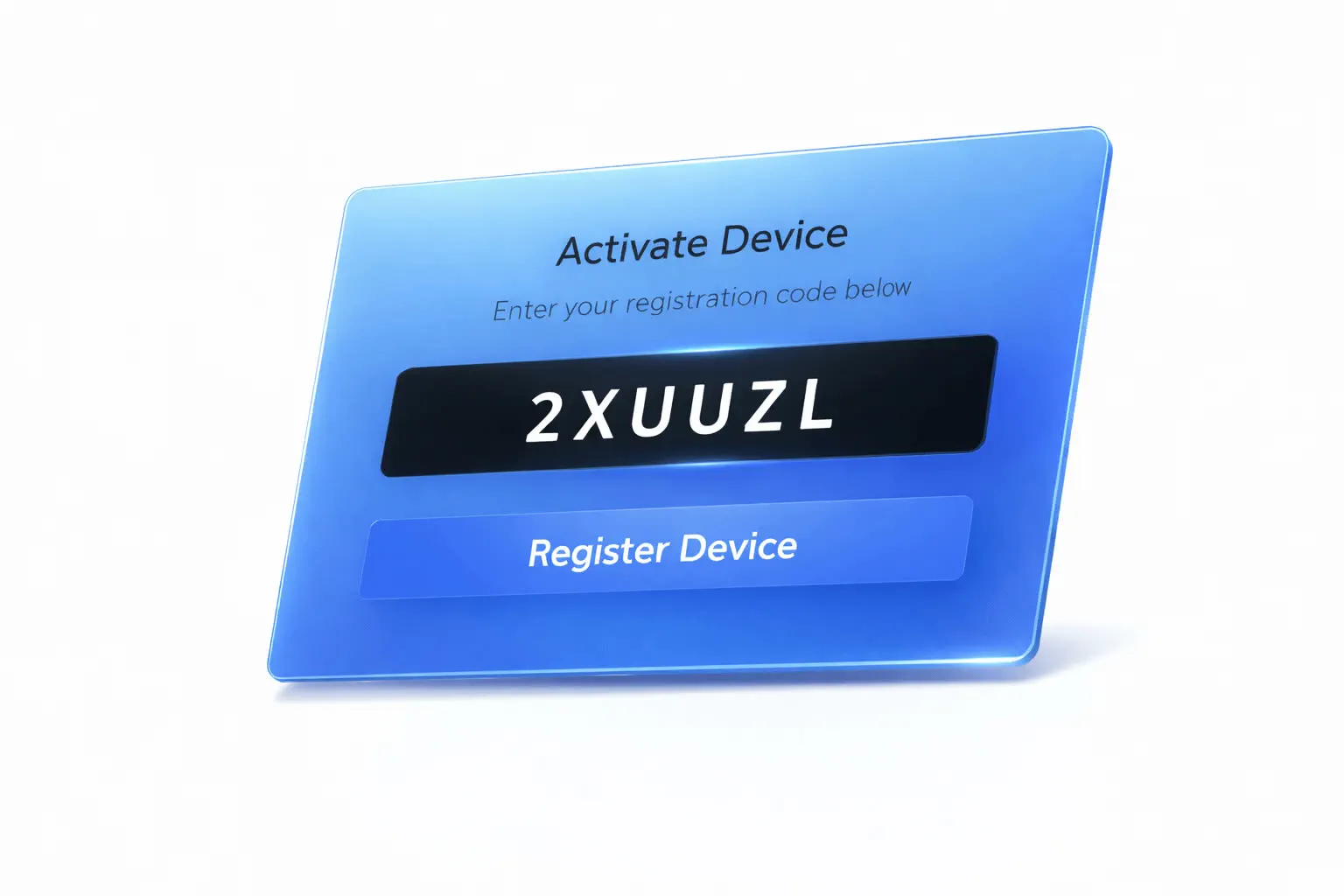
Register your digital signage device
1
Register Your Device

Connect any Android, Windows or Linux screen or player to the internet and pair it with your dashboard in minutes.

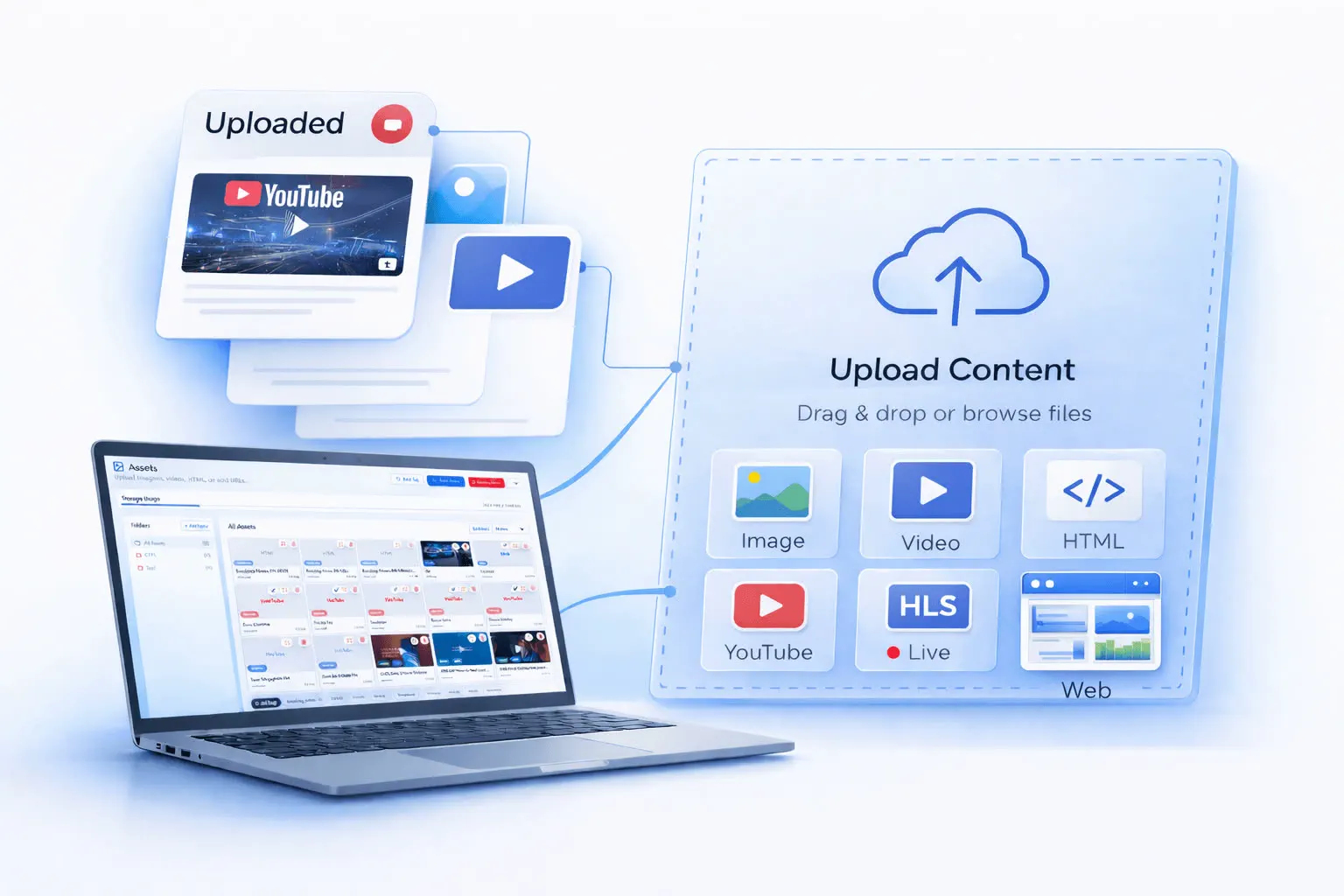
Upload content to digital signage CMS
2
Upload Your Content

Add images, videos, web pages, live feeds and widgets to your secure media library in the cloud.

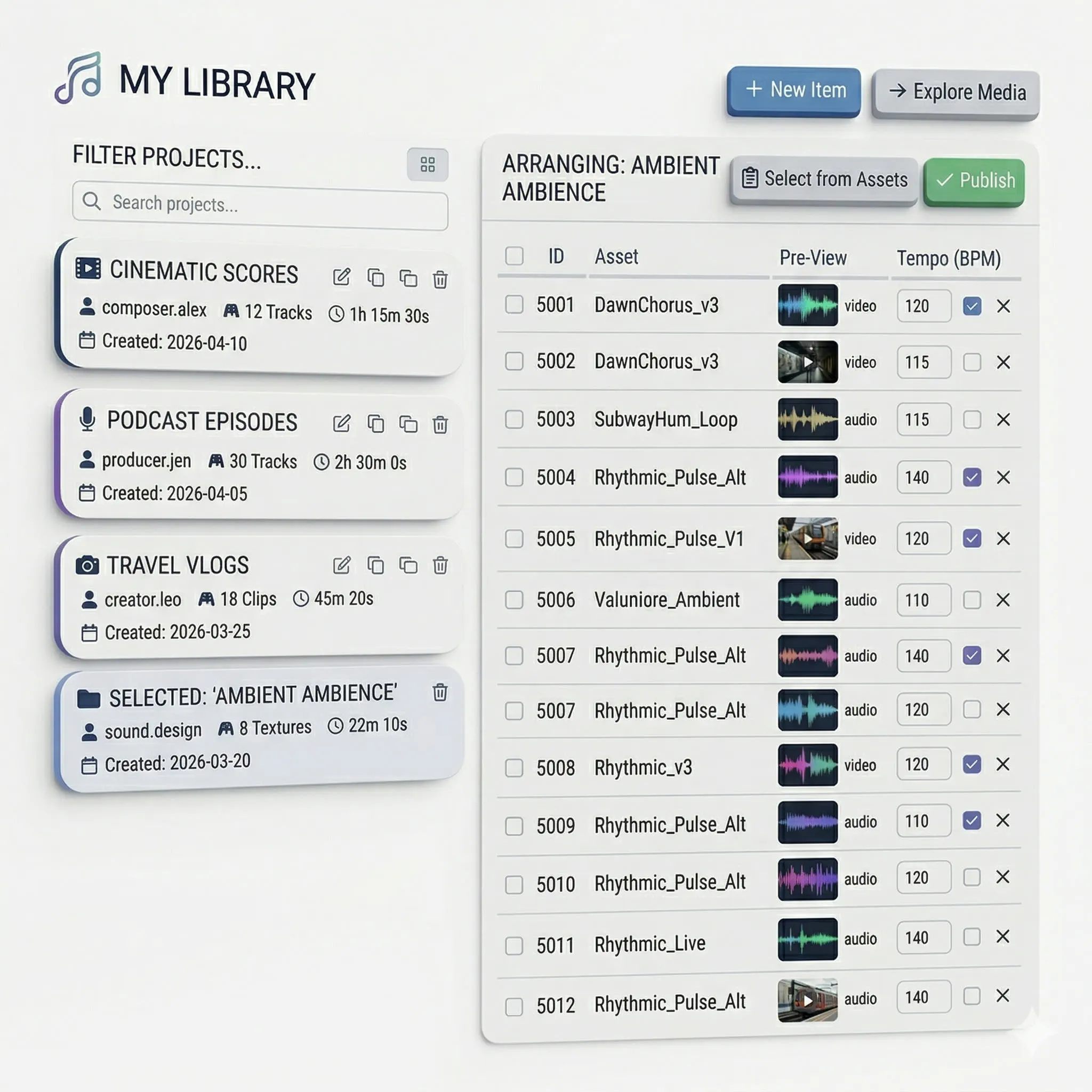
Create playlists and multi-zone layouts
3
Create Playlists

Arrange content into playlists and multi-zone layouts — split the screen between videos, tickers and live information.

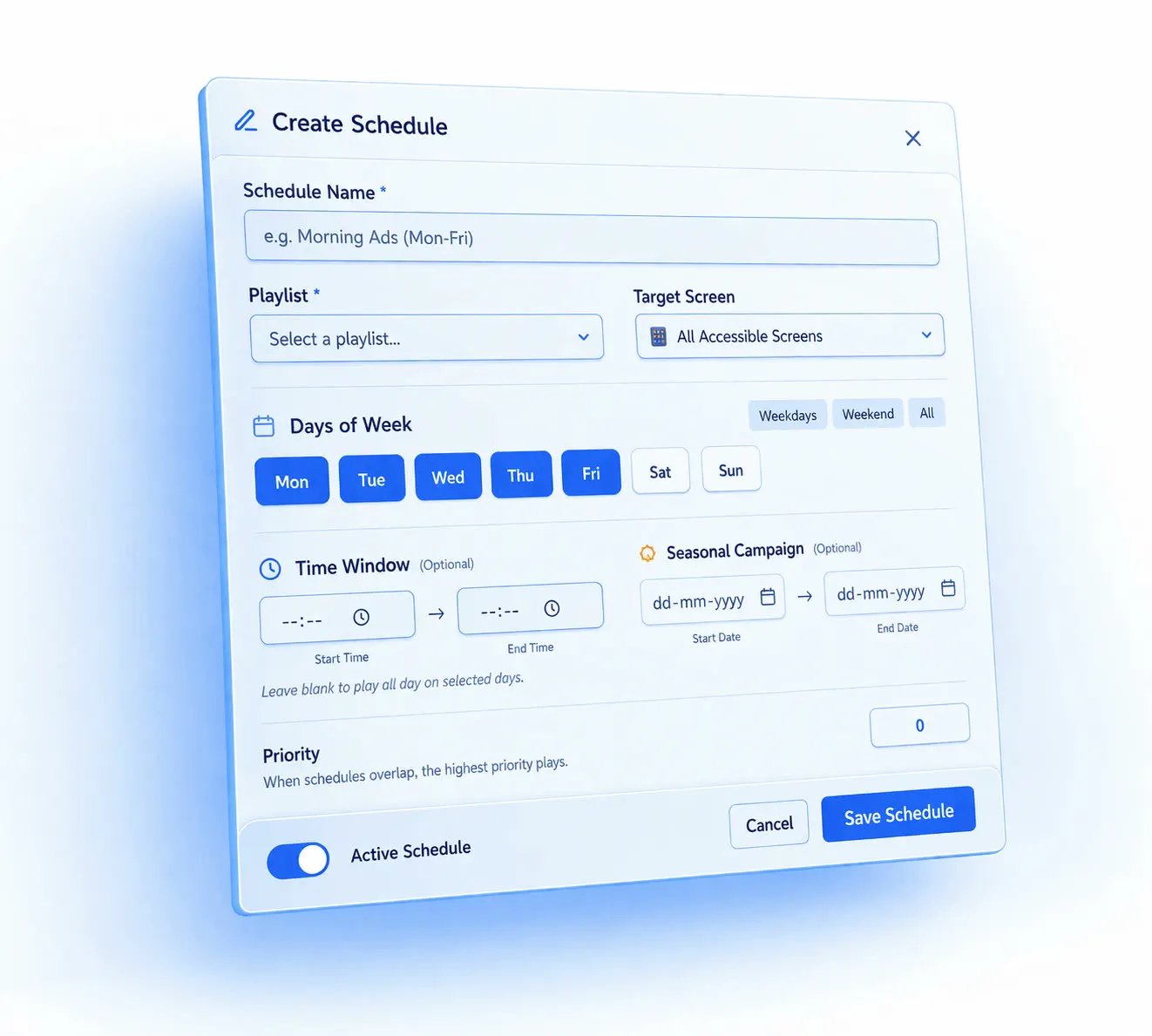
Schedule and go live on all screens
4
Schedule & Go Live

Set day-parting schedules per location and publish everywhere at once — screens update instantly, even offline-first.

Works with Any Screen

The iSignage player runs on the hardware you already own — from tablets and media sticks to professional displays and video walls.

Industries We Serve

1

Retail

Window displays and in-store screens that promote offers, new arrivals and seasonal campaigns in real time.

2

Restaurants & QSR

Digital menu boards with day-parting — switch from breakfast to dinner automatically and push instant price updates.

3

Corporate

Lobby welcome screens, meeting room signage and internal communication boards that keep teams informed.

4

Healthcare

Queue management, wayfinding and health awareness content for clinics, hospitals and pharmacies.

5

Education

Campus announcements, event schedules and emergency alerts across schools, colleges and universities.

6

Hospitality

Hotel lobbies, elevator screens and restaurant displays showing promotions, weather and guest information.

Powerful CMS Features

Schedule campaigns by date, time and location with default playlists that fill every gap automatically.

Images, videos, web pages, live feed widgets, rich text overlays and 10+ ready-made widgets including weather and news.

Push changes to one screen or hundreds in seconds — content syncs the moment your network reconnects.

Encrypted connections, multi-user permissions and kiosk mode keep your network and screens protected.

Split any screen into zones — combine video, tickers, RSS feeds and scrolling text in a single layout.

Group screens by store, city or country and publish targeted content to each group from one dashboard.

Override scheduled content instantly for emergency announcements or flash promotions across the network.

Built-in reporting on screen uptime, playback logs and content performance — plus offline playback with auto-restart.

Frequently Asked Questions

Digital signage is a network of displays — LED, LCD or projection — that shows dynamic content such as videos, menus, live feeds and real-time information. Unlike static posters, content is managed centrally from a CMS (content management system) and can be updated instantly across all your screens.

The platform works with Android, Windows, Linux, Chrome OS, smart TV systems (webOS, Tizen) and single-board players such as Raspberry Pi and BrightSign. In most cases you can use screens and players you already own.

No special skills are required. If you can drag and drop, you can build playlists. Any screen with an HDMI port plus a small media player — or a smart display with the player app — is enough to get started, and our team handles setup and onboarding for you.

Yes. Screens can be grouped by store, city or country, so you can publish global campaigns or target a single branch. Multi-user permissions let regional teams manage only their own screens.

Screens continue playing from local storage thanks to offline playback. Once the connection returns, the screen syncs automatically and picks up the latest schedule — no blank screens, no downtime.

Ready to turn your screens into smart communicators?

Offices Hotels Health Care Homes Retail Facade All Industries
Copyright © 2025 VMS Ltd and Entities – Privacy Policy